
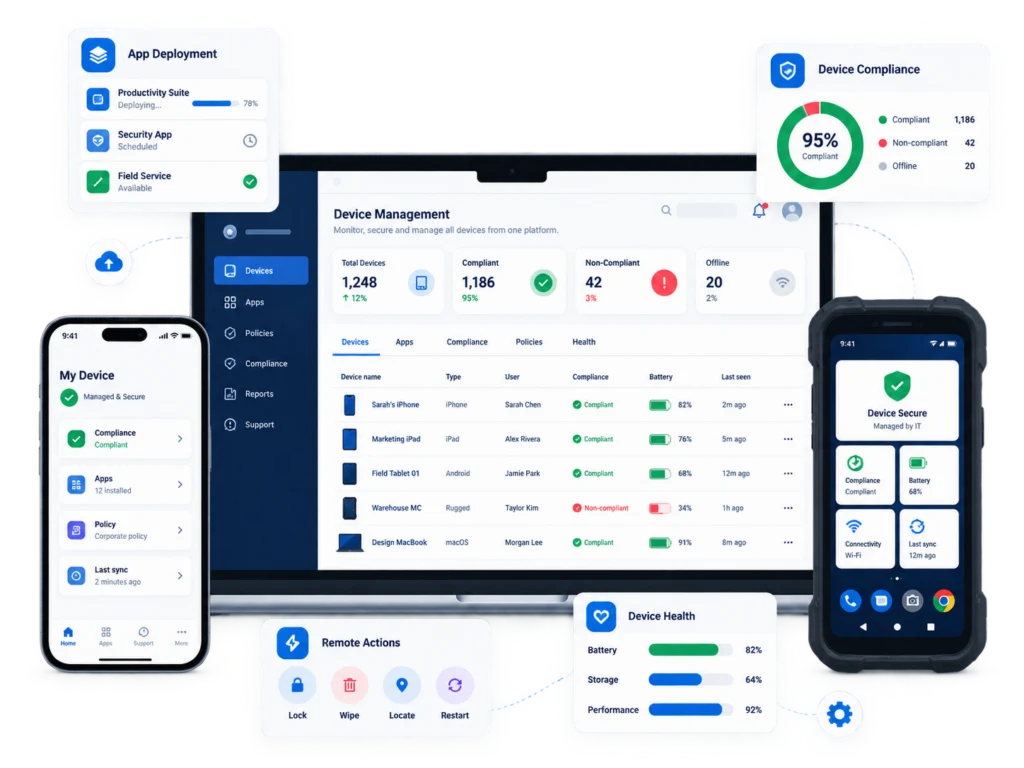
Maintain control of smartphones, tablets, rugged devices and shared endpoints across your workforce — wherever they are deployed
Powered by Scalefusion
01
02
03
04
Remote Support
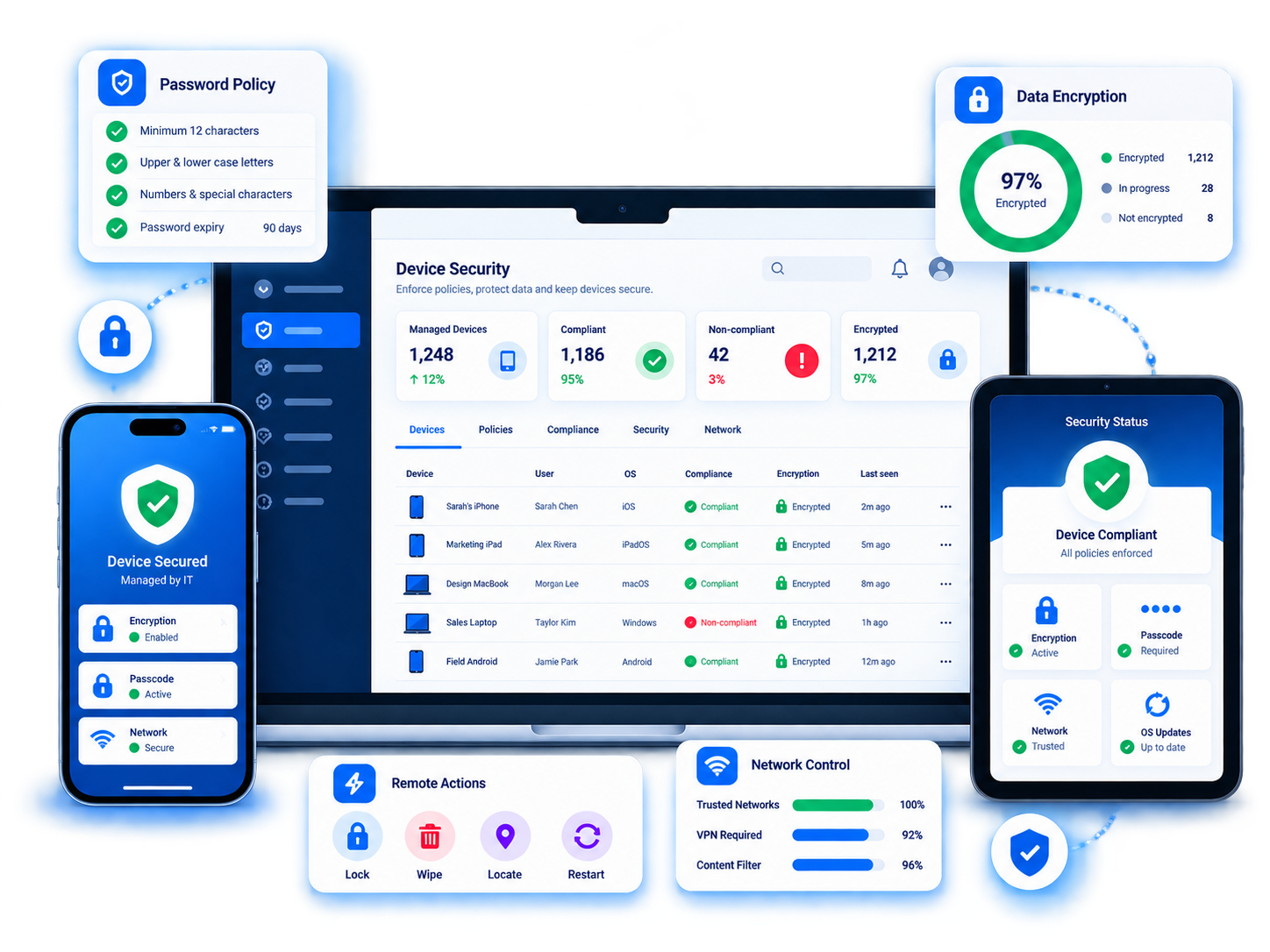
Apply password policies, encryption requirements, network settings and access controls across your mobile environment.
Lost or compromised devices can be remotely locked, located or wiped to protect sensitive organisational information.
Apply consistent authentication requirements across devices.
Protect organisational information stored on mobile endpoints.
Manage Wi-Fi, connectivity and approved network configurations.
Secure lost or compromised devices without needing physical access.
Maintain visibility from initial deployment through to reassignment, support and retirement.
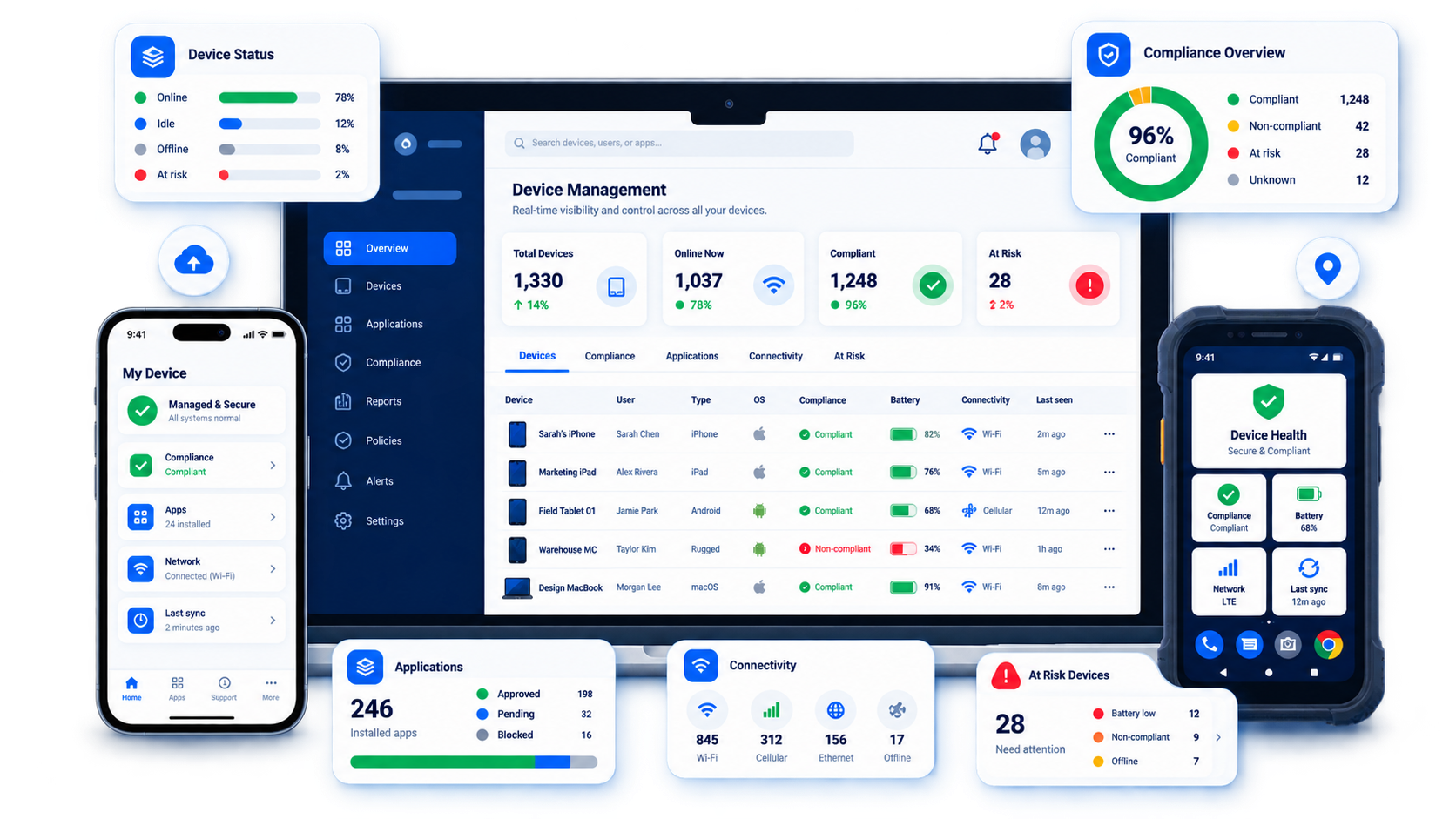
Monitor ownership, compliance, application status, connectivity and device health through a central management console.
Deploy
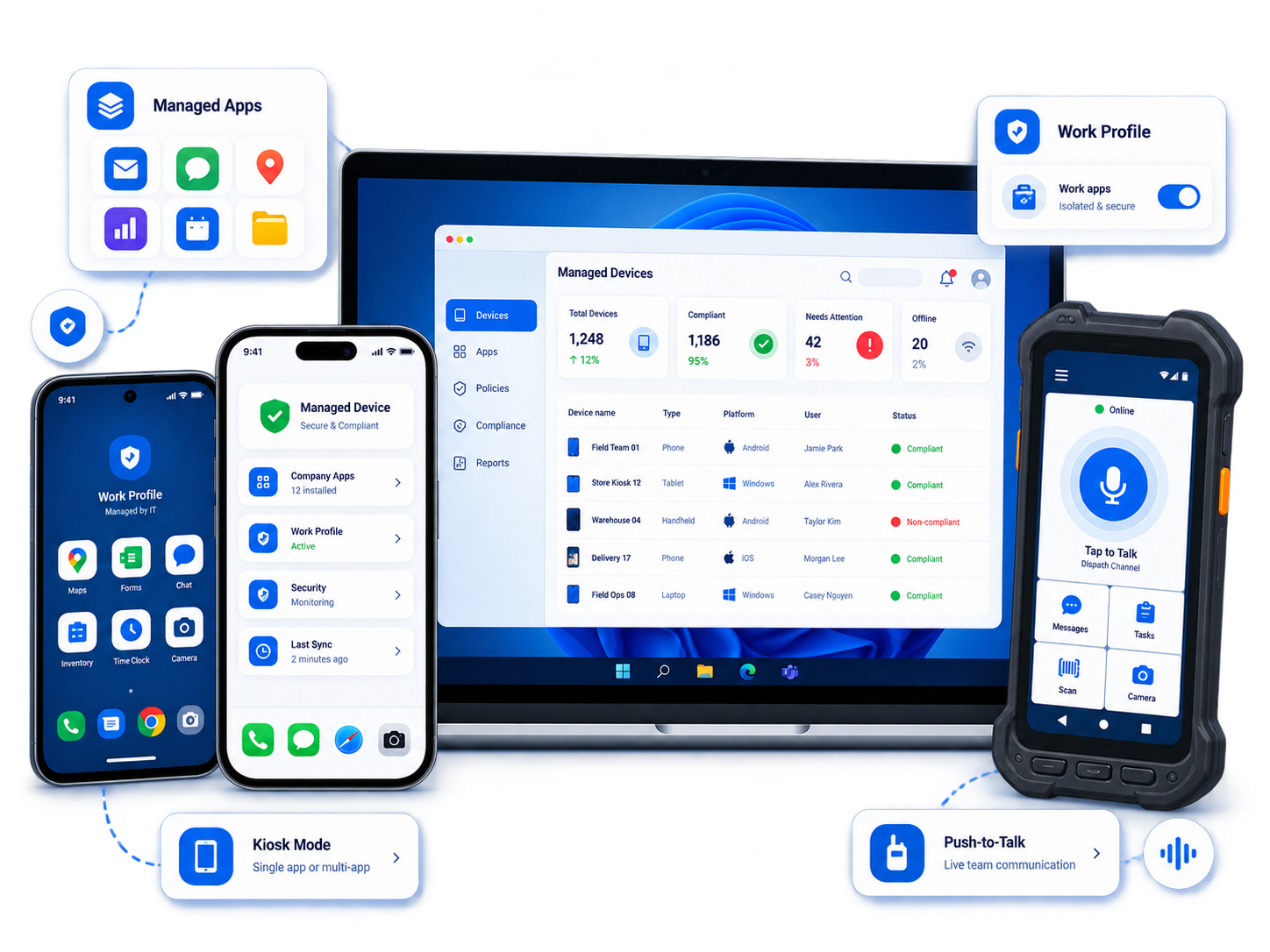
Manage Android, iOS, Windows and specialist rugged devices across distributed teams and operational environments.
Scalefusion integrates with Script’s broader mobility ecosystem, including rugged hardware, push-to-talk and frontline applications.
Smartphones, tablets and rugged Android hardware.
Managed Apple mobile devices.
Windows-based mobile and operational endpoints.
Purpose-built hardware for demanding frontline environments.
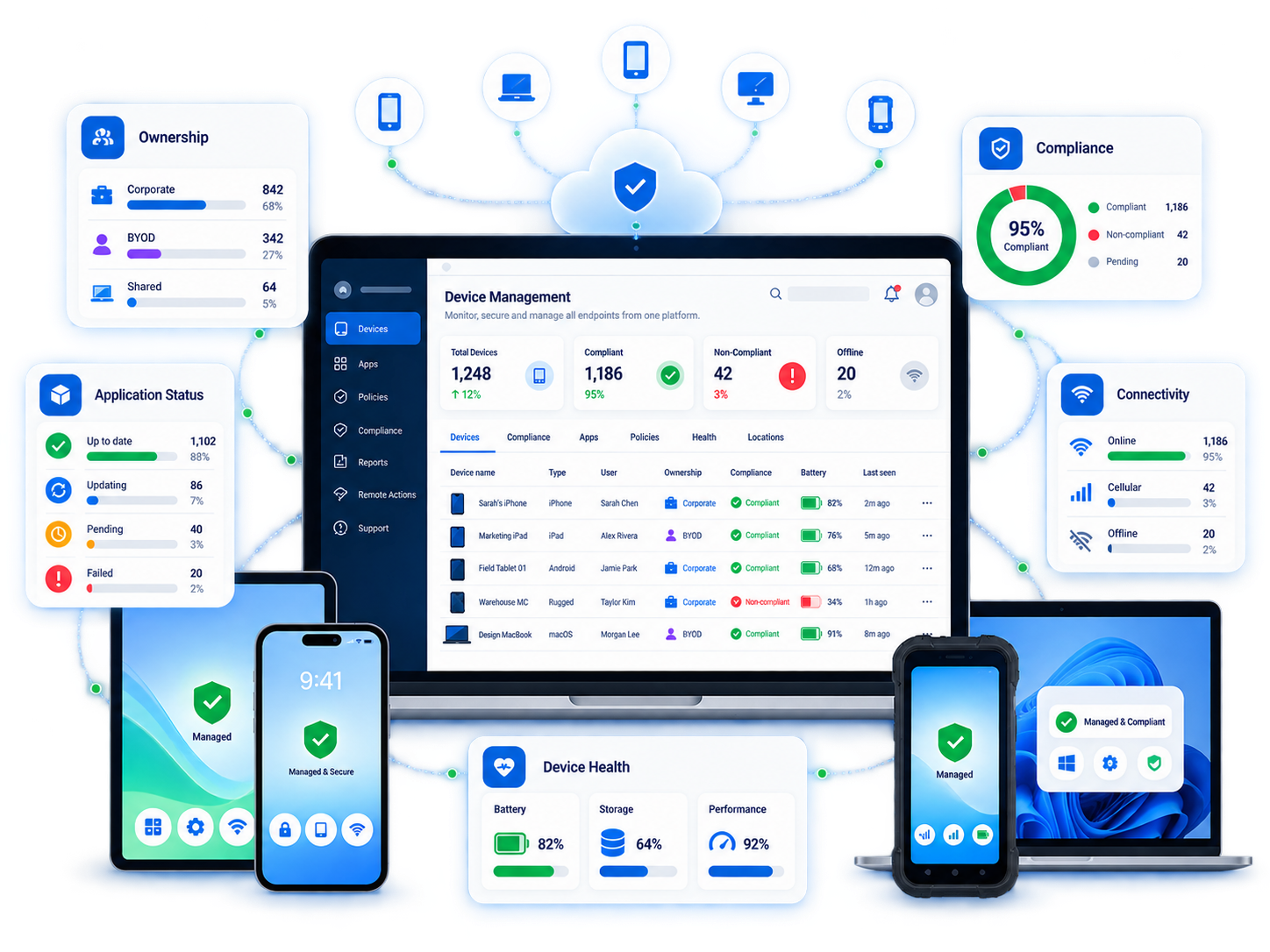
Give IT and operational teams a central place to understand what is deployed, where it is, whether it is compliant and what needs attention.
From applications and policies to connectivity and device health, teams can take action remotely across individual devices or complete device groups.
Know which user, team or site a device belongs to.
Identify endpoints that fall outside required policies.
See which business applications are installed and current.
Understand whether endpoints are connected and available.
Identify inactive, unhealthy or at-risk devices.
Identify non-compliant, inactive or at-risk devices and take action remotely.
Give teams a real-time view of device status across users, locations and operational environments.
01
Device Status
02
03
Monitor business application deployment and version status.
04
Connectivity
05
Secure every endpoint, simplify device support and keep your frontline teams connected, compliant and operational wherever work happens.